


About The Author

About The Author
A business owner pays $12,000 for a gorgeous new site. The copy is on point, and the animations land. But three months in, it has generated four leads, and one of them was their cousin.
I see this every month. Beautiful websites are losing to ugly ones, because good-looking and good are two very different things.
Fifteen years running a Chicago web design agency and 3,500+ sites in, I can tell you: the elements of a good website have little to do with what most business owners fixate on, and everything to do with whether a stranger can land, understand what you sell, trust you, and click.
Let’s get specific.

Every week, I talk to a business owner who has spent real money on a website that doesn’t work. The site loads. It has functional pages. Yet it does not sell.
Three patterns show up almost every time:
A good website earns its keep. It is a salesperson who works weekends at scale without complaint. Judge it the way you would judge a salesperson: Is it bringing in qualified conversations, or is it standing in the lobby looking sharp?
The characteristics of a good website are the ones that get audited last and matter most.
Twelve pieces. Each one is small on its own, powerful in combination. Miss three of them, and your conversion rate collapses no matter how much traffic you pour in.
Open your homepage and give someone five seconds. Ask them what you sell and who it is for. If they stumble, you have a positioning problem dressed up as a design problem.
Clarity beats cleverness on the first screen. Name the target audience, the outcome, and the wedge that separates you from the three competitors they just scrolled past.
Ask yourself: If you deleted the brand name from the top of the site, would a visitor still know what you do? If the answer is no, your value proposition is not doing enough sales work.
Every page exists to push the visitor toward a single next action: book the call, start the trial, add to cart, or download the guide.
Secondary actions can live on the page, smaller and quieter. But the moment you give a reader three equally loud buttons, you have given them a reason to close the tab.
Walk your homepage and count the competing “primary” CTAs above the fold. If you see “Book a Demo,” “Download the Ebook,” and “Subscribe to Our Newsletter” all with the same visual weight, you are asking the visitor to do your strategy for you.
Pick the action worth the most to your business. Give it the loudest button, the most whitespace, and every supporting line of proof around it. Everything else shrinks a shade.
Design frames the words. The words do the selling. If you stripped every image off your site and a cold visitor could still understand the offer, feel the urgency, and know what to do, you have brand messaging that works.
Most sites fail this test. They have pretty hero images hiding weak headlines, and no amount of gradient will save a sentence that promises nothing.
Rewrite your headline using this prompt: “The reader’s biggest frustration, in their own words, plus the outcome they want, in one line.” Swap “Innovative Solutions for Modern Businesses” for “Stop losing $8,000 a month to chargebacks you could prevent in a week.” Specificity is the sound of a sentence working.
The fastest edit you can make today: print your homepage, highlight every word that could appear on a competitor’s site, and replace it with effective copywriting only your business could publish.
Your visitor is half-distracted, possibly on a phone, probably with three tabs open. They will not study your menu.
Keep it shallow and label it in human language. A menu item called “Solutions” has never helped anyone; “Pricing,” “Case Studies,” and “Book a Call” all have. Good user experience starts with never making a visitor guess where they are.
A simple rule I use on every build: no primary menu over six items, and every label under two words. If you cannot explain the page in those two words, the page has either a naming problem or a reason-to-exist problem.
Open your analytics and find the three pages with the highest exit rate that you actually want people to stay on. Almost always, the label in the menu does not match what the visitor expected to find when they clicked. Fix the label first, then worry about the content.
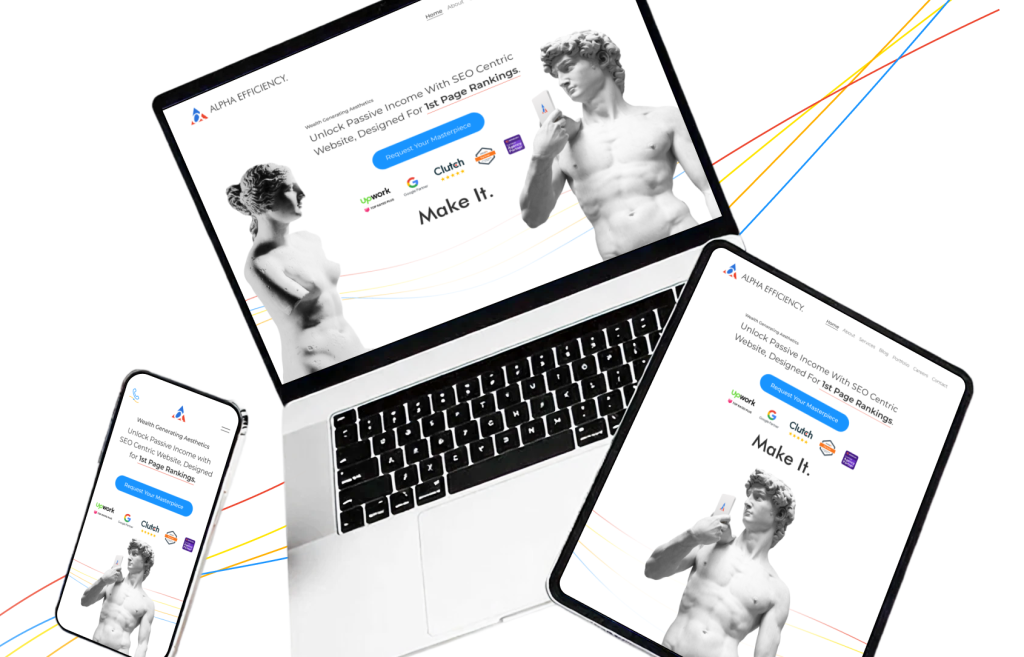
The area above the fold has one job: give the reader enough reason to keep going. It needs a headline that names what you do, a subhead that names the outcome, and a primary action they can click without scrolling.
If your hero is a stock photo and the word “Welcome,” you are burning attention. The user who lands on your page is usually looking for an answer. Answer it immediately, or lose them to the back button.
Audit your hero against three questions:
If any of those answers live below the fold, the fold is costing you money on every visit.
The eyes follow size, contrast, and whitespace. Good website design elements work together to push a visitor from the headline to the proof to the button without them noticing.
When I audit a page with a weak conversion rate, the fix is rarely “redesign the whole thing.” The fix is usually “make the button bigger, add space around it, and tone down the three things stealing attention nearby.”
Squint at your landing page. If you cannot immediately identify the single thing you want the visitor to do, your hierarchy is broken. The squint test is free, brutal, and more diagnostic than any paid tool.
More than half of your traffic is probably already mobile. For most local businesses, it is closer to 70%. If your site was designed for a 27-inch monitor and then crammed onto a phone at the end, your biggest audience is paying the price of skipping quality assurance.
Design the phone view first. Tap targets sized for thumbs, forms short enough to complete on a bus. A good website treats the small screen as the main event.
Run this five-minute test tonight. Open your site on your phone in one hand while walking around your kitchen. Can you read the hero without pinching, hit every button without mistapping, and fill out the contact form without rotating the screen? If any answer is no, mobile is where your lead generation is leaking.
A site that loads in 1.8 seconds and one that loads in 4.2 seconds are running different businesses. Compress the images, kill the plugins you are not using, and pick a host that doesn’t crash when three people show up at once.
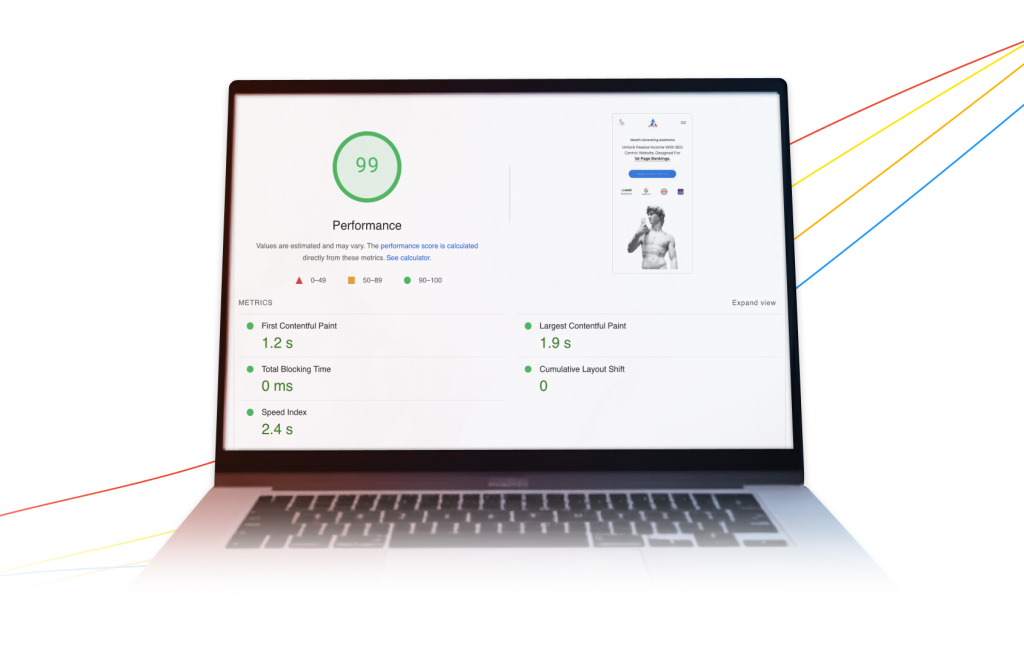
Run your homepage through PageSpeed Insights right now. If your Largest Contentful Paint is over 2.5 seconds on mobile, fix that before you touch anything else on the site. A hosting upgrade, image compression, and removing three unused scripts usually do the job.
A working heuristic: a one-second improvement in load time tends to lift conversion rate by 5% to 15%, depending on the industry. Multiply that by your monthly website traffic and your average order value, and speed stops sounding like a technical chore.
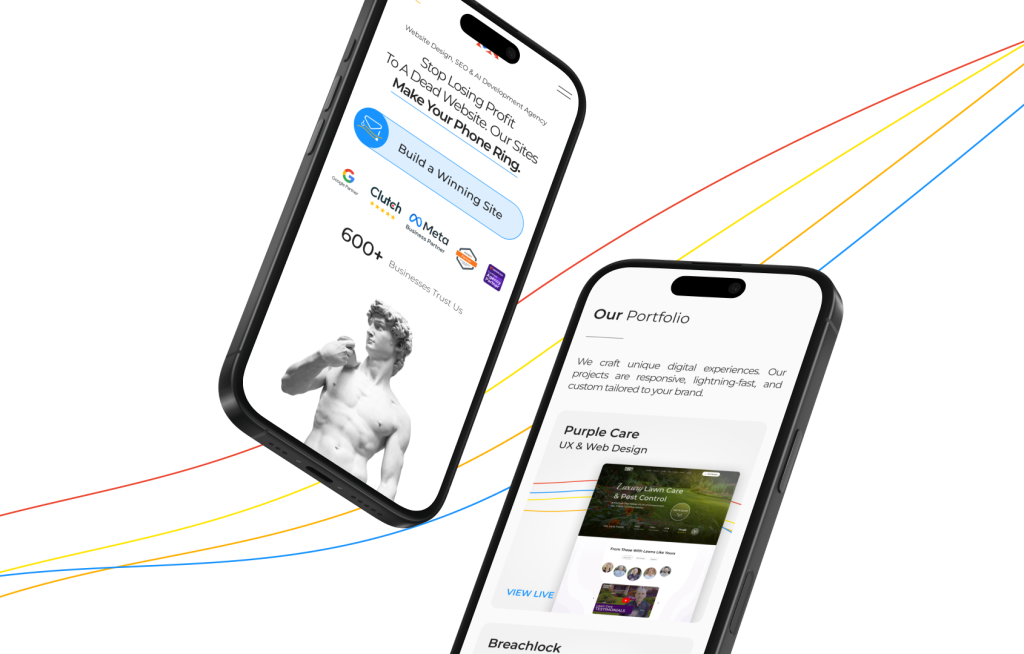
People buy from sites that feel like real businesses run by real people: testimonials with names and faces, case studies with numbers, logos of recognizable clients, a founder photo that looks like a founder.
Put the proof near the asks. A testimonial ten pages deep is a trophy; a testimonial next to the button is a closer.
Inventory the proof you already have. Reviews, case studies, before-and-after photos, press mentions, certifications, total clients served, you name it. Most businesses have ten times more trust material than their websites display, locked in email threads and DMs.
Then place at least one piece of proof within a visitor’s line of sight at every decision point: beside the main CTA, next to the pricing, and under the contact form. Trust signals are the part of your brand identity that a stranger can actually feel, and what helps a decent website turn into a high-converting one.
Search engine visibility lives in the build itself: titles that match real queries, a URL structure that makes sense, internal links that route authority toward your money pages, and schema that gives Google something clean to read.
Skip this during the build, and you will pay for it twice: once in rework, once in the twelve months your site sits invisible while your competitor absorbs your market.
Before launch, every page should answer four questions:
If any answer is fuzzy, the page ships broken.
All four questions assume the right query in the first place. Modern keyword research techniques have to account for AI Overviews, zero-click results, and entity-based ranking, none of which existed when most SEO playbooks were written.
A page ranks when it satisfies the user intent behind the query better than the alternatives.
If someone lands on your blog from a search for “how to price a kitchen remodel,” they want a range, a breakdown, and a reason to trust you. They do not want a 2,000-word autobiography of your firm.
Before writing any page, open an incognito window and search the exact keyword you are targeting. Read the top five results, noticing what they all include and miss, and what a visitor still has to click a second time to find. Your page exists to be the one that stops the second click.
Good landing pages answer the exact question on the tab next to yours, faster, and earn the next click with a relevant offer at the bottom. That is how a blog post turns into lead generation instead of a trophy.
Every extra field on your form is a lead you did not get. Every required account to “continue” is a cart your customer just abandoned. Every ambiguous button label is a micro-moment of doubt that someone else’s clearer page lacks.
Count the clicks between “interested” and “converted” on your site. Then cut one.
List every field on your primary contact form and write the business reason for each. A quick pass usually sorts into three piles:
Replace “Submit” with a verb that describes what happens next: “Send my audit request,” “Reserve my seat,” “Start my 14-day trial.” Lead generation is mostly subtraction, with a little sharpened language on the way out.
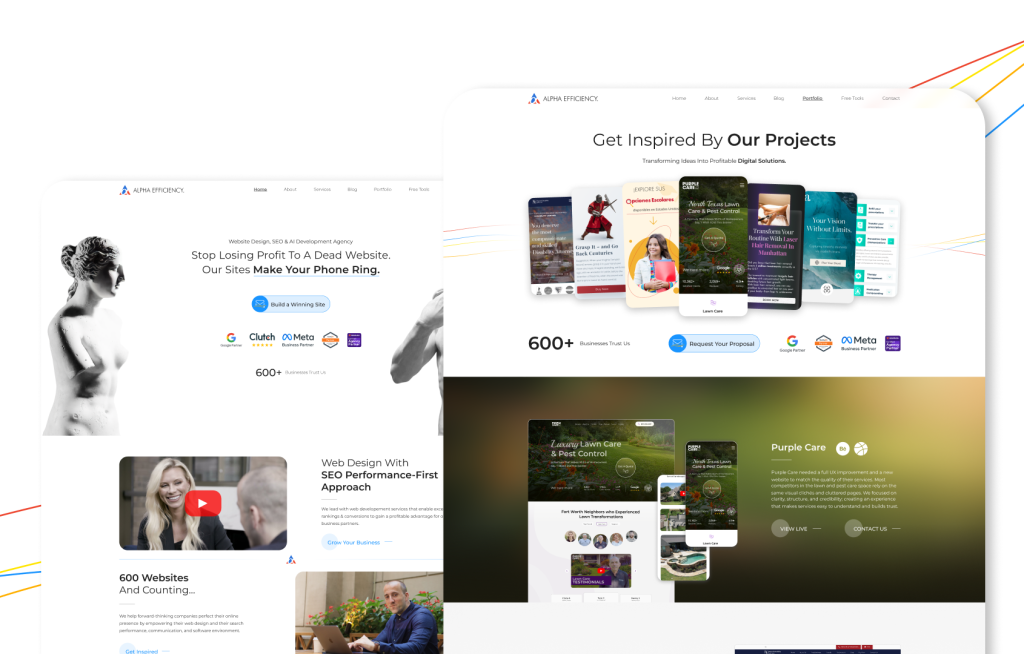
A good website is a system, and systems multiply. Take any element on the list and set it to zero, and you pull the ceiling down on the others.
World-class copy on a page that loads in six seconds is wallpaper. A fast, beautiful site with no trust signals is a stranger shouting at you on the street. Elegant SEO on content nobody came to read is a sitemap for ghosts.
The practical implication: do not chase a perfect 10 on one element while leaving three at a 3. Website traffic is gated by whatever you are worst at. Lift your weakest variable, and the whole system moves.
Pour a coffee. Open your site on your phone, and answer these honestly:
Tally your yeses. Four or five, and you have a working asset that deserves more traffic. Three or below, and you have a leak that more traffic will only make more expensive.
Most business owners run this website audit and discover that their problem was never traffic. It was the website they were sending traffic to.
Here is where most articles tell you to “consult a professional.” I am going to tell you something different.
You can fix this without hiring an agency. What you need is a method. A repeatable process for building the elements of a good website into a page on purpose, instead of hoping a designer somewhere will intuit them for you.
That method is exactly what I teach in my course, Profitable Websites From Scratch. It is the same playbook we use at Alpha Efficiency to build conversion-driven sites for clients paying us five and six figures, compressed into a course a capable person can work through at their own pace. You’ll learn how to frame the offer, write headlines that hold attention, set up the pages for SEO from day one, and ship a website where business success is the design goal.
Run the 30-minute audit above, mark the elements you are bleeding on, and let the course walk you through the fix. The benchmark we design around is the one that students hit repeatedly: $10,000 generated within 90 days of shipping the new site.
The framework above is the same one our team applies to every client build. What you just read is what we do, compressed into a guide. The deciding factor between shipping it yourself, handing it to your in-house team, or hiring it out is usually how fast you need it live and how many small calls you want to make alone.
If you’d rather hand the build to the team that uses this playbook every week, contact Alpha Efficiency. You bring the business context, we bring the execution, and the elements you just read about become a live site inside the quarter.
The elements of a good website cluster around five outcomes: a clear offer, simple navigation, fast load speed, visible credibility, and a frictionless path to conversion. A site that handles those five consistently will outperform a prettier competitor almost every time. Everything else, from animation style to illustration choices, is optional polish on top of those fundamentals.
A good website is well-built, clear, and functional. A high-converting website adds deliberate sales architecture on top: sharp value propositions, one dominant call to action per page, trust signals placed next to asks, and friction removed from every form. The difference shows up in conversion rate, not in design awards or stock imagery.
A focused owner using a structured method can ship a revenue-ready site in two to four weeks of part-time work. Agencies often stretch it out to three or four months due to approval cycles and feature creep. Speed comes from knowing what to include and, more importantly, from knowing what to leave out.
Yes. Paid traffic stops the moment you stop paying, and ad costs rise every quarter. Baseline on-page SEO (clean titles, intent-matched content, proper internal linking) is the difference between a site that compounds in value over time and one that rents its audience. Running both is how serious operators build durable pipelines.
Run a light audit every quarter and a deep one every six months. Quarterly, check speed, forms, and top landing pages. Semi-annually, re-examine offers, headlines, trust signals, and search performance against competitors. Markets move faster than most sites do, and a page that converted well last year can quietly drift into underperformance.
Related Posts
Brian Dordevic
Codex vs Claude Code: What I Learned Paying for Both
READ MORE
Brian Dordevic
State Bar Rules on AI Use: A Lawyer’s Compliance Guide
READ MORE
Brian Dordevic
ADA Website Compliance Deadlines 2026: The Critical Compassion Gap
READ MORE
Brian Dordevic
You’ll Regret Skipping Web Design Quality Assurance
READ MORE